Next-generation unlocking systems that combine safety and convenience.
 Unlocking with various cameras
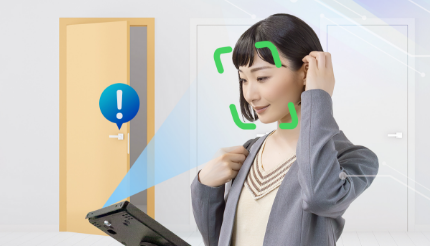
Facial recognition with a smartphone from network cameras, tablets, webcams and QR codes
Various locks can be unlockedElectric locks (MIWA), smart keys (SESAME/Linkey), installation work possible
Facial recognition and smart electronic locks can be linked to easily install doors that can be unlocked only by facial recognition!
Office access control and unattended room guidance can be achieved without the use of cards or apps.
Facial recognition that works in real time can be powered by a browser rather than an app.
Users can use the system immediately without having to download an app.
Easy to install, from unlocking with a QR code to unlocking with a security camera.
-
Installing in new offices
We can install MIWA locks and other electric locks, as well as unlocking control devices.
-
To be installed in existing offices
Compatible with a variety of smart keys for retrofitting, easily attached to thumbturns and unlocked by facial recognition.
-
Various unlocking methods
Face recognition unlocking using surveillance cameras, face recognition unlocking by scanning QR codes with a smartphone, face recognition unlocking using a tablet.
-
Authority settings
User rights can be set for each door to be unlocked.
Unlocking using QR codes
Unlocking using a tablet (stationary)
Unlocking using security cameras
Advantages of introducing KAOPASS Key & Entry/Exit
-
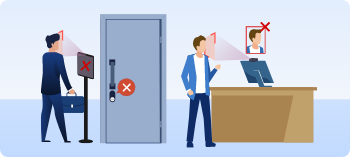
Unable to enter or leave a room by a stranger.
Facial recognition is used to record entry and unlock the door, making it impossible to record entry and unlock the door by impersonation.
-
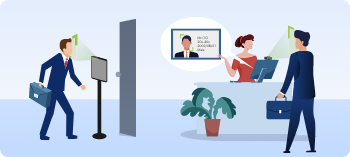
No need to produce a card or key when entering or leaving a room
Facial recognition means that nothing else is needed. This increases convenience.
-

Cannot be dropped, lost or stolen
Facial recognition cannot be lost, stolen, tampered with or locked out.
-
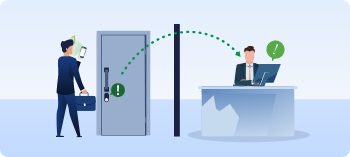
No need to hand it over
As the lock can be unlocked by facial recognition, there is no need to transmit the PIN number of the key box by post or email, and there is no need to hide the key in a flowerpot, making it more secure.
-
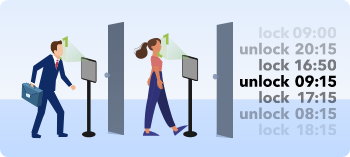
Access log management
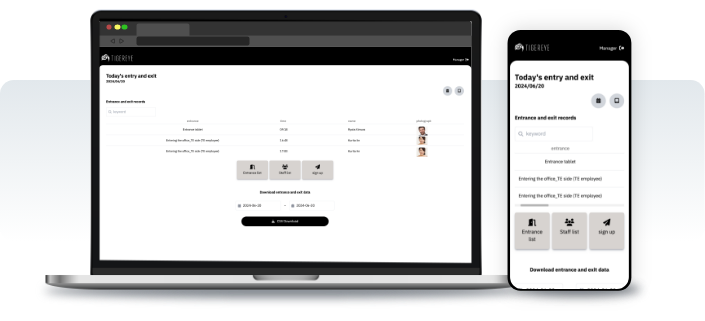
Unlocking and locking times can be tracked using facial recognition, so unauthorised entry can be traced. The logs can be exported to CSV for historical review and analysis.
Reasons for being chosen.
-

Compatible with various smart keys and electric locks
Can be linked to smart keys and electric locks such as LINKEY, Sesame and MIWA locks. Facial recognition can be used to unlock the door.
-
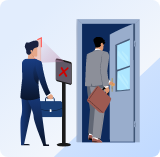
Tight control of authorisation
The staff who can enter can be set at each entrance, making it easy to set up security areas according to authorisation.
-
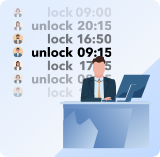
Secure logging of entry
Facial recognition at the time of entry is recorded, so that even if someone is impersonating someone else, it is possible to check from the record whether they have entered the room.
-
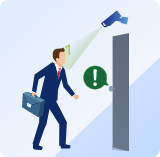
Support for unlocking locks from surveillance camera footage
It is possible to unlock electric locks using the video from installed surveillance cameras.
*Need to be ONVIF-compatible.
Introduction
-
Track access history with facial recognition and log management. New staff can unlock the door simply by registering their face. The key is also fixed to the door without drilling. The door can be unlocked using only the face without the use of a card, and an entry log can be kept.
-
If the door is compatible, it can be retrofitted with a simple automatic lock. Prevents doors from being forgotten to be closed or left open. Security can be improved by keeping the door locked at all times. Notifications can also be sent out to registered persons, such as children.
-
Faces are registered at the time of booking and users can enter the room only with facial recognition, which is automatically deactivated after the time of use.
-
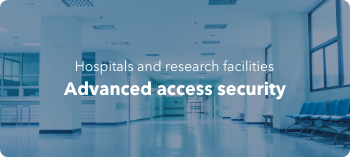
Access control at sites where a high level of security is required, such as in the medical sector. Security can be enhanced by detecting unauthorised access to the system by non-attendees.
-
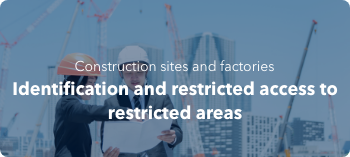
Identification of workers in construction and factories. Control of access to restricted and hazardous areas.
-
Automatic locks that can be unlocked with a face. No need to issue card keys, and changes and deletions are centrally managed at the terminal at the front desk.
-
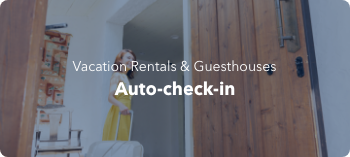
Guests simply hold their face over the front desk terminal to check in. They can then enter the room.
-
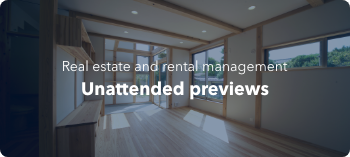
Viewers register their faces and unlock their rooms with facial recognition. It is possible to show the property to a small number of people without the need for them to be present during the viewing.
Registration is easy
User registration is simple. Simply send the face registration URL to the user's e-mail address.
The user can then register, edit and manage the system themselves.
-
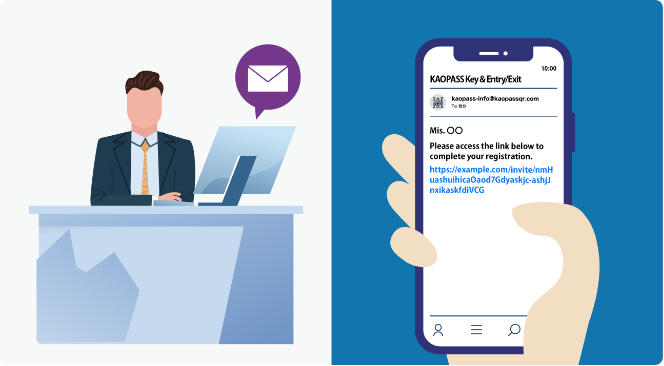
Email invitation sent by administrator
-
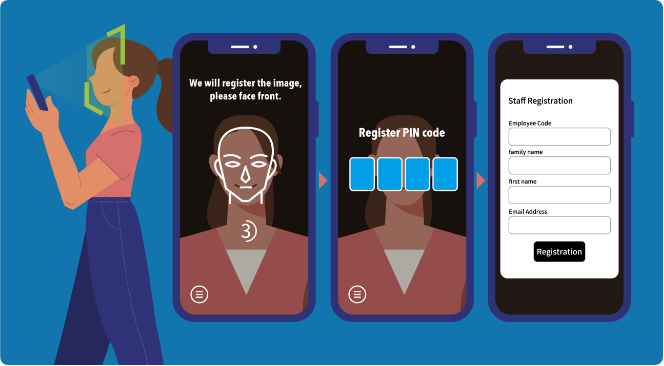
Users can easily register their own faces according to a wizard.
The URL will be one-time, so more than one person cannot register if the URL is forwarded.
Notification function
An email can be sent at the timing of authentication and unlocking.
Users can set up functions such as notifying parents by email when their children return home, for example, in condominiums.
This function can also be used to keep an eye on children as well as elderly people living alone.
-
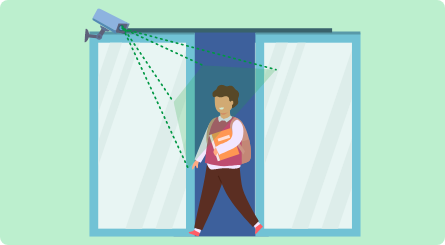
Unlocked by a set person.
-
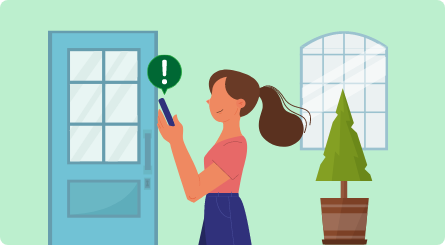
Notification by email that the lock has been unlocked.
Dedicated management screen allows management of any number of remote doors
By using a dedicated face pass access control system, accessed via a web browser on a PC, tablet or smartphone,
Multiple face pass keys & access can be managed from anywhere in the world.
- Real-time remote unlocking & locking.
- Remote face registration, remote deletion.
- Operation log management in the cloud. Tracking from logs is also possible.
- Remotely set face recognition expiry dates. Can be deleted or changed in time for appointments.