

01
Deploying in new offices
Supports MIWA locks and other electric locks. We also handle installation work for unlock control devices and other equipment.
A next-generation unlocking system that combines safety and convenience.
Office entry and exit management and unstaffed room guidance are possible without cards or apps.
Real-time face recognition can run in a browser rather than an app.
Users can start using it right away without downloading an app.
Everything from QR code unlocking to security camera unlocking is easy to deploy.
01
Supports MIWA locks and other electric locks. We also handle installation work for unlock control devices and other equipment.
02
Retrofit support for a variety of smart keys, which attach easily to thumb turns and unlock with face recognition.
03
Face recognition unlocking with surveillance cameras, by scanning a QR code with a smartphone, or with a tablet.
04
You can set which users have permission to unlock each door.
KAOPASS Key & Entry/Exit: QR code authentication demo
KAOPASS Key & Entry/Exit: tablet authentication demo
KAOPASS Key & Entry/Exit: security camera authentication demo
01
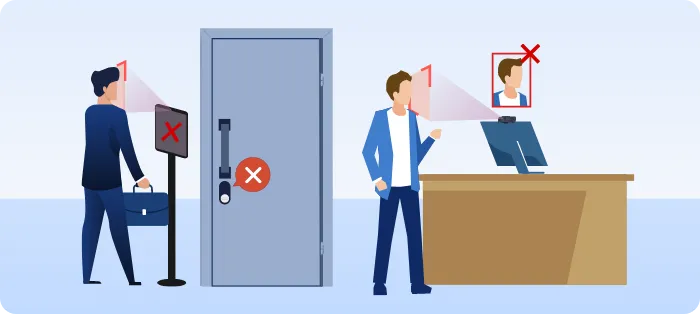
Because entry records and unlocking are handled with face recognition, no one can create records by impersonating someone else.
02
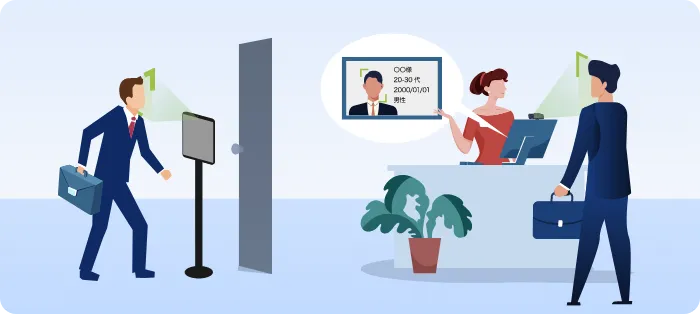
Your face is all you need for authentication, which makes things more convenient.
03
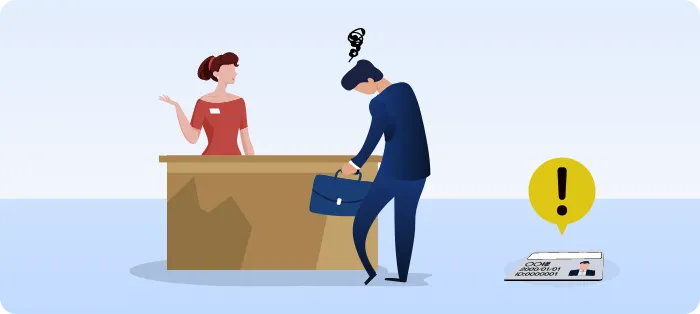
With face recognition, there is no loss, theft, unauthorized copying, or lockout.
04
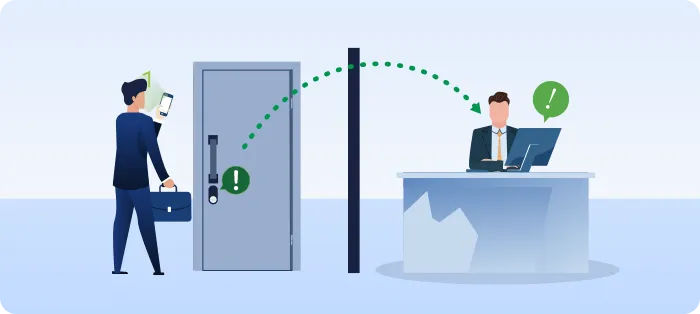
Because doors unlock with face recognition, there's no need to send a key box PIN by mail or email or to hide a key in a flowerpot, which keeps things secure.
05
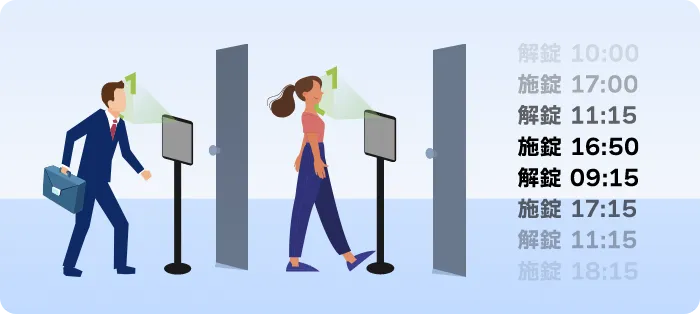
Face recognition lets you track unlock and lock times, so unauthorized entry can be traced. Logs can be exported to CSV for reviewing and analyzing history.
01
Links with smart keys and electric locks such as LINKEY, Sesame, and MIWA locks, and unlocks them with face recognition.
02
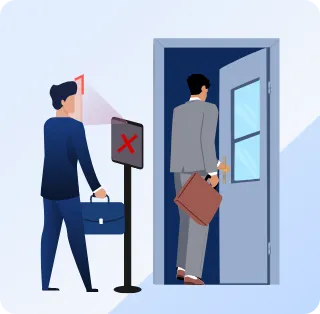
You can set which staff can enter at each entrance, making it easy to set up security areas based on permissions.
03
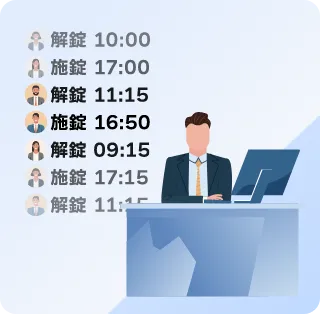
Face recognition at entry is recorded, so entries by impersonation can also be checked in the records.
04
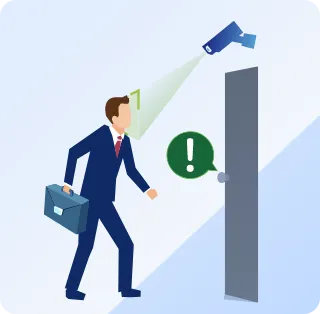
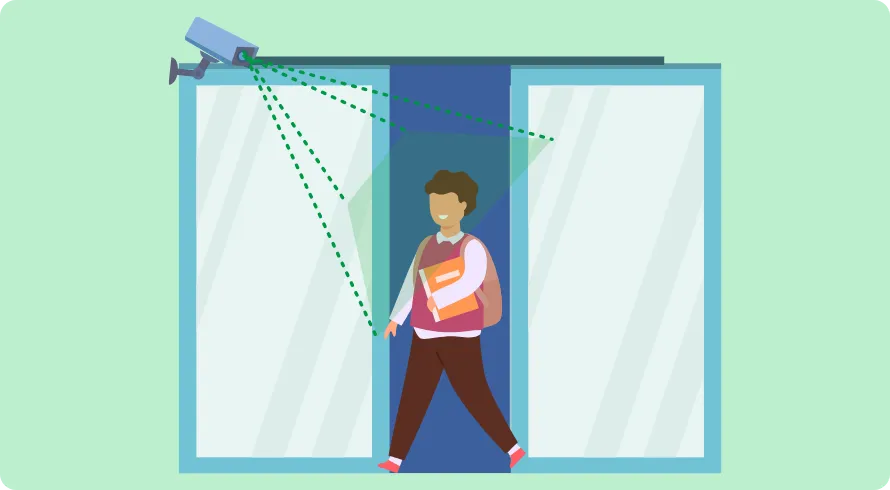
Electric locks can be unlocked using footage from installed surveillance cameras. *Cameras must be ONVIF-compatible.
01
Track entry history with face recognition and log management. New staff can unlock doors simply by registering their faces. The key attaches to the door without drilling. Doors unlock with just a face, no card needed, and entry logs can be recorded.
02
Compatible doors can easily be retrofitted with an automatic lock. It prevents doors from being left unlocked or open. Keeping doors locked at all times improves security. Notifications can also be sent when registered people, such as children, are authenticated.
03
Faces are registered at booking, users can enter with face recognition alone, and access is automatically deactivated after their time slot ends.
04

Verify the identity of workers at construction sites and factories. Manage entry to and exit from restricted and hazardous areas.
05
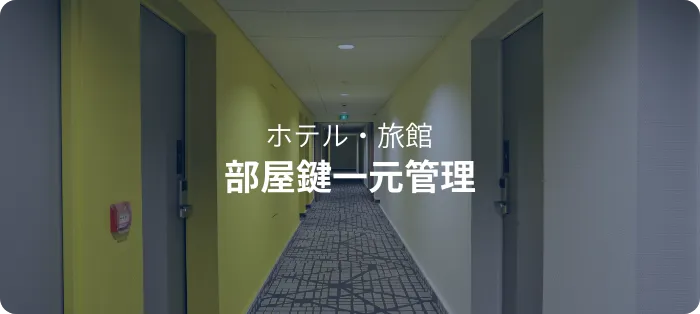
Automatic locks that unlock with a face. No need to issue card keys, and changes and deletions are managed centrally from the front desk terminal.
06
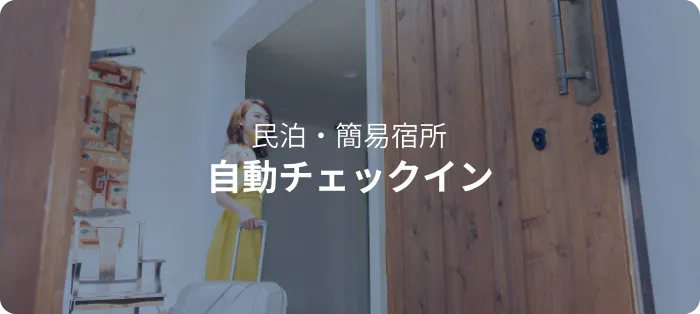
Guests check in simply by showing their face to the front desk terminal, then go straight to their room.
07
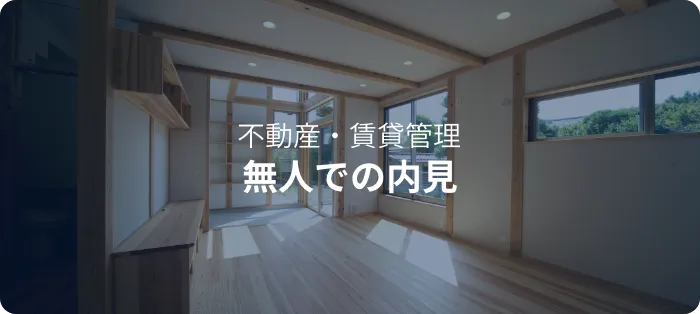
Prospective tenants register their faces and unlock the property with face recognition. No one needs to be present during viewings, so properties can be shown with a small team.
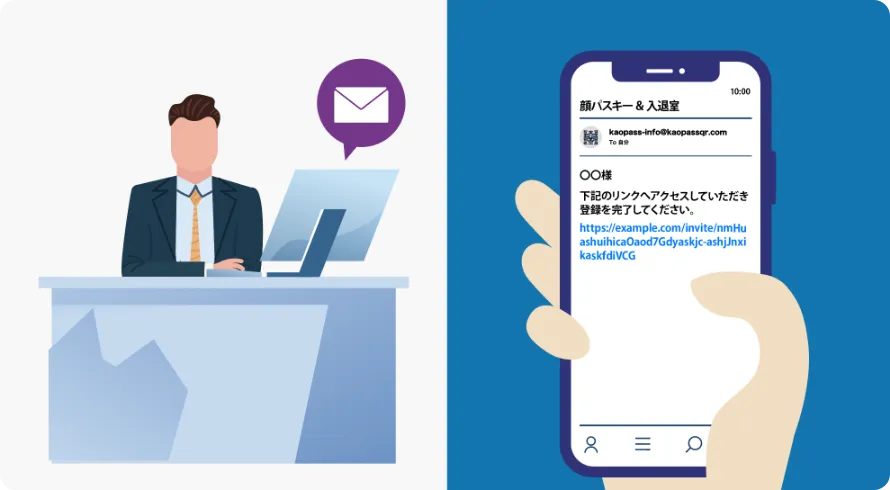
User registration is easy. Just send a face registration URL to the user's email address.
Users can then register, edit, and manage their own information.
01
02
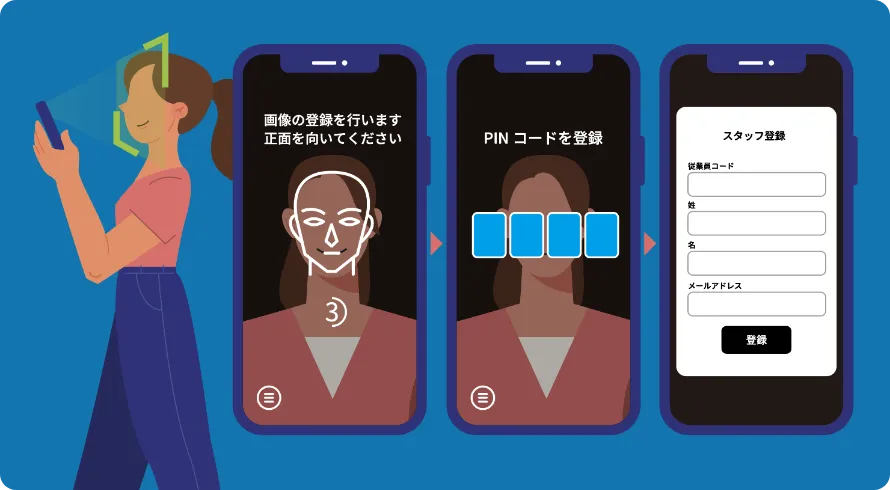
The URL is single-use, so multiple people cannot register even if it is forwarded.
With the management system dedicated to KAOPASS Key & Entry/Exit, you can sign in from a web browser on a PC, tablet, or smartphone and manage multiple units from anywhere in the world.
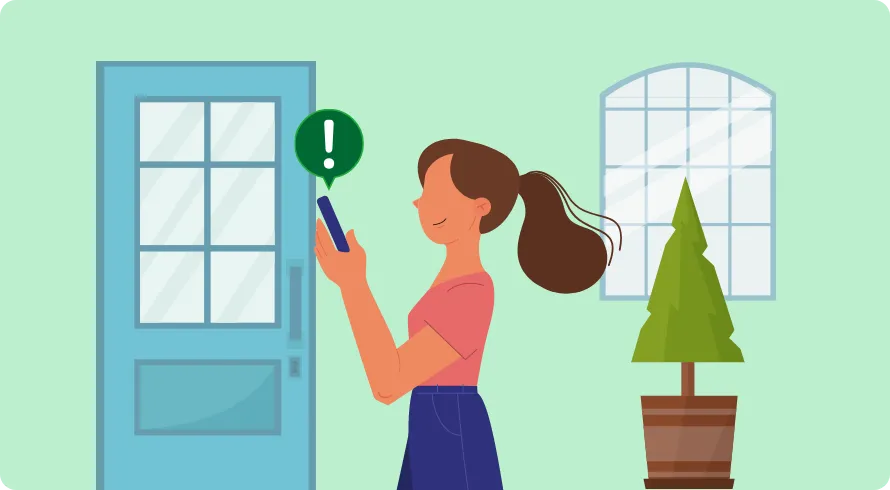
An email can be sent when someone authenticates and unlocks a door.
Users can set up features such as emailing parents when their children come home, for example in condominiums.
*This can also be used to look after elderly people who live alone, not just children.
01
02



01
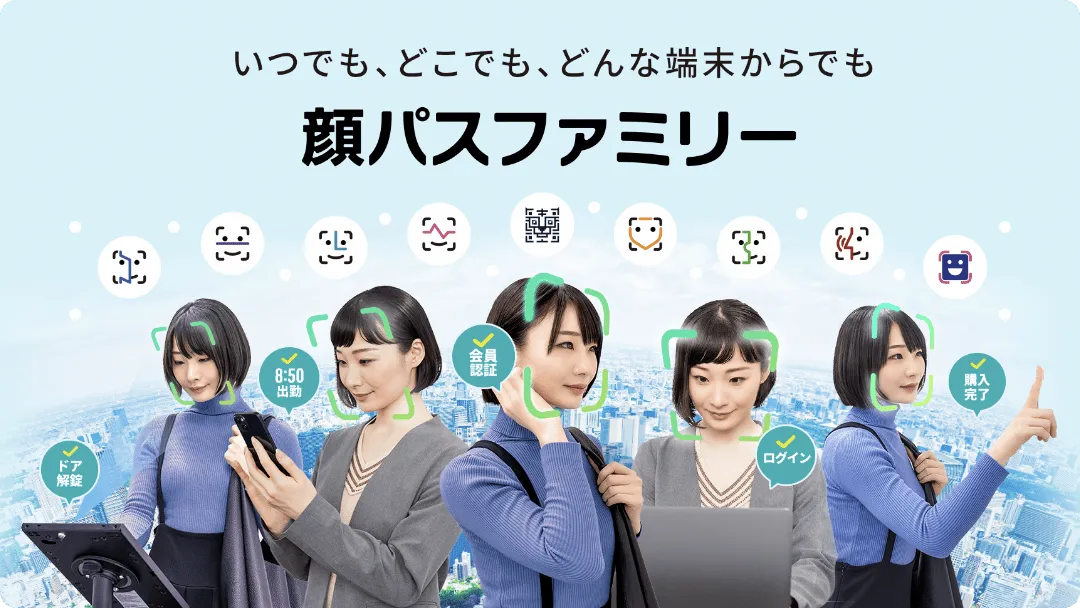
Face recognition with no apps, no dedicated devices, and no cards.
02

A service that lets people prove their identity easily with just their face, without preparing cards, apps, or dedicated devices.
03

Clock in with face recognition for secure, smart attendance management.
04
A solution that handles employee attendance clock-in and health management at the same time, simply by recognizing their faces.
05

A product that enables login by building face recognition OAuth 2.0 into SaaS services.
Toward workplaces where AI is simply part of everyday work.